Before you start: this guide explains how Steam's region system works in general. It does not claim that any specific GamiPrime-tracked game is unavailable where you live, because checking a live store page from inside another country is not something this guide can verify. If you want to know whether one exact game is blocked in your territory, the check in the checklist below takes under a minute and gives you a real answer; nothing here substitutes for it.
Why this comes up
A friend sends a link to a free-to-play game. You follow it to Steam, and instead of the usual Play Game button you see a notice that the item is not available in your region, or a price in a currency that looks wrong, or an age-rating screen you did not expect. Common mistake: assuming this means the game is broken, pulled, or lying about being free. Most of the time it means one of three separate Steam mechanisms kicked in, and they are not the same thing.

What Steam's region system actually does
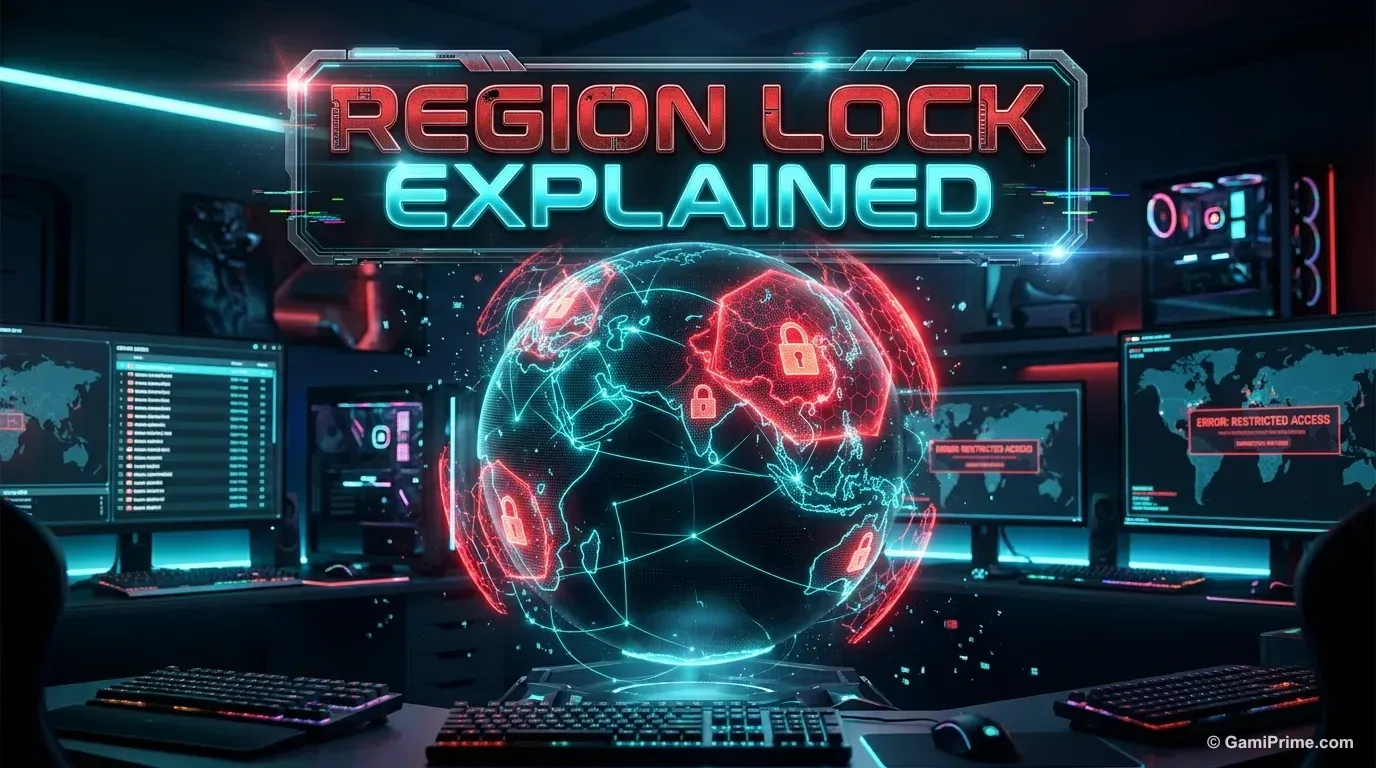
Steam ties your store experience to a region in three distinct ways: availability, pricing and age rating, and they can apply independently of each other.
- Availability. A publisher can choose, country by country, where a game's Steam page is sold or playable at all. When a game is excluded from a territory, Steam's own page states that the item is "currently unavailable in your region" rather than showing a price or a Play Game button.
- Regional pricing. Steam prices the same game differently by country, converted and often rounded for local markets. A different number on the page is a pricing decision, not a sign the game is blocked.
- Age rating. Many countries require a local age rating (PEGI in parts of Europe, ESRB in the US and Canada, and country-specific boards elsewhere) before a store page can display certain content, or before a minor account can purchase or play it at all. A rating gate can stop an under-age account from proceeding even when the game itself is fully available to adult accounts in that same country.
These three are set by the publisher and by local law, not by Steam picking favorites, and not by GamiPrime. Valve's platform enforces what publishers configure and what regulators require; it does not independently decide which countries get which games.
| Mechanism | What it looks like on the page | What it does not mean |
|---|---|---|
| Availability restriction | A notice that the item is "currently unavailable in your region", no price or Play Game button | The game is broken, pulled worldwide, or lying about being free |
| Regional pricing | A price shown in a different currency or amount than you expected | The game is blocked; it is a local price, not a restriction |
| Age rating gate | A ratings screen or an account-age check before you can buy or play | The game itself is unavailable in your country for adult accounts |
Why publishers region-lock or price by country
Publishers restrict or re-price listings for reasons that have nothing to do with the game's quality: existing distribution deals in a territory, a separate local publisher already selling the game through another storefront, licensing agreements tied to music or likeness rights that only cover certain countries, local content or ratings laws, and currency-adjusted pricing meant to match local purchasing power rather than a flat US dollar price everywhere. A free-to-play game can still be restricted this way even though no money changes hands to start playing: the restriction is about distribution rights and legal compliance, not about who paid for what.
What this is not
Regional pricing is not the same claim as unavailability, and an age gate is not the same claim as a country block. Seeing a price in a different currency, or a notice asking you to confirm your birth date, does not mean the game is blocked where you live. Conflating the three is the most common mistake players make before concluding a game is "not allowed" in their country.

Checklist: how to check availability before you try to play
- Open the game's own Steam store page directly, rather than trusting a price or availability claim from a video description, a forum post or an ad.
- Look for an explicit unavailability notice. If the page states the item is not available in your region, that is Steam's own notice, not a rumor. If no such notice appears and a price or Play Game button shows normally, the game is available to your account.
- Separate a currency difference from a block. A price shown in a currency or amount you did not expect is regional pricing, not evidence of a region lock.
- Check the age rating shown on the page and compare it with the account's registered country and birth date. An age gate blocking a specific account is a ratings check, not a country-wide unavailability.
- If you are on a shared or family account, confirm whose country and date of birth are on file; a mismatch there can look like a region problem when it is an account-settings problem.
- Do not use a VPN, proxy or billing-address change to work around a listed restriction. That is an attempt to bypass a system Steam and the publisher put there deliberately, and it can violate the Steam Subscriber Agreement or affect account standing; this guide does not recommend it and GamiPrime has not tested what happens when you try it.
If the listing really does say your region is excluded
If you check a specific game's own Steam page and it states plainly that the item is unavailable in your region, that is a distribution decision made by the publisher and enforced by the platform, not something GamiPrime can look up on your behalf or override. The right next step is the publisher's or Valve's own support channel, not a workaround:
- Steam Support (through your Steam account, Help > Steam Support) can confirm what your account sees and why, for billing or region questions tied to your own account.
- The game's publisher-listed support page (linked from its Steam store page) is the right channel for a distribution or availability question specific to that title, since the publisher is the one who set the restriction.
GamiPrime's role here is to explain the mechanism, not to resolve an individual account or distribution issue.
Frequently asked questions
Why does a free-to-play game show a price in another currency?
That is Steam's regional pricing at work: the same listing is priced per country, converted and often rounded for the local market. It is not evidence that the game is blocked.
Does an age rating mean the game is unavailable in my country?
Not necessarily. An age rating can stop a specific account (for example, one registered as under the local age threshold) from buying or playing a game, while the same listing remains fully available to adult accounts in the same country.
Can I use a VPN to get around a region restriction?
This guide does not recommend it. Doing so works against a restriction the publisher and the platform put in place deliberately, and it can affect your account under the Steam Subscriber Agreement. GamiPrime has not tested the outcome.
Who do I contact if I think my region is blocked by mistake?
Steam Support for an account-specific question, or the publisher's own support page linked from the game's Steam listing for a distribution question, since the publisher sets the restriction.
Where to go next
To understand what a free-to-play game's Steam listing can and cannot tell you about its business model once you can actually open it, see how free-to-play PC games make money. If you have not picked a game yet, the roundup of the best free-to-play PC games is a starting point built from Steam's own listing data.
Sources
- Steam's own storefront behavior (regional unavailability notices, regional pricing, age-rating gates), as displayed on individual game store pages, read October 16, 2026 (UTC). No single game's listing is cited here because this guide does not claim a specific GamiPrime-tracked title is region-restricted.
- Wikipedia, Steam (service), for general background on the platform's regional distribution and pricing practices: https://en.wikipedia.org/wiki/Steam_(service)
Last verified: 2026-10-16. This guide describes Steam's general region, pricing and ratings mechanisms. It does not assert that any specific game is region-locked; check that game's own Steam page for a current answer.