The short answer: for most PC players the standard Xbox Wireless Controller is the safe default: Microsoft makes both it and Windows, and lists Windows 10 and 11 as supported. On a budget, the 8BitDo Ultimate 2C lists Hall effect sticks and triggers and a 1000Hz polling rate. In the middle, the GameSir G7 Pro adds TMR sticks, Hall effect triggers and a charging dock for $79.99. If you play almost everything through Steam, Valve's Steam Controller (2026) is the one built for it, with TMR sticks, two trackpads and gyro aiming.
Not hands-on tested. GamiPrime did not buy or play with these controllers. Every figure below comes from the maker's own product page, read on October 19, 2026, and the "Not listed" cells mean the maker's page does not give that number. Prices are only quoted where an official page or the maker's own announcement states one.
How we picked the 10 controllers
We kept controllers that a maker sells for Windows PC and that cover a distinct need: default, budget, mid-range, Steam, premium, competitive, PlayStation-style and wired-only. For each one we read the official spec page and wrote down only what it states: connection, stick and trigger type, polling rate, battery and extra buttons.
Then we crossed the list with the other half of the question, the games. Steam marks each game's store page with Full or Partial controller support, or with no flag at all. GamiPrime has already read that flag for 21 free-to-play PC games, and the table near the end of this guide shows which pad fits which game.
Our picks at a glance
| Controller | Best for | PC connection (per maker) | Sticks | Battery (per maker) |
|---|---|---|---|---|
| Xbox Wireless Controller | Best default for Windows | Bluetooth, USB-C cable | Standard | AA batteries, up to 40 hours |
| 8BitDo Ultimate 2C | Best budget pick | 2.4G dongle, wired | Hall effect | 19 h (2.4G), 32 h (Bluetooth) |
| 8BitDo Ultimate 2 | Best value with back paddles | 2.4G dongle, wired | TMR | Not listed |
| GameSir G7 Pro | Best mid-range for Xbox and PC | 2.4G receiver, wired | TMR | 1200mAh, play time not listed |
| Steam Controller (2026) | Best for Steam players | Puck (wireless), Bluetooth, USB | TMR | 8.39 Wh, 35+ hours |
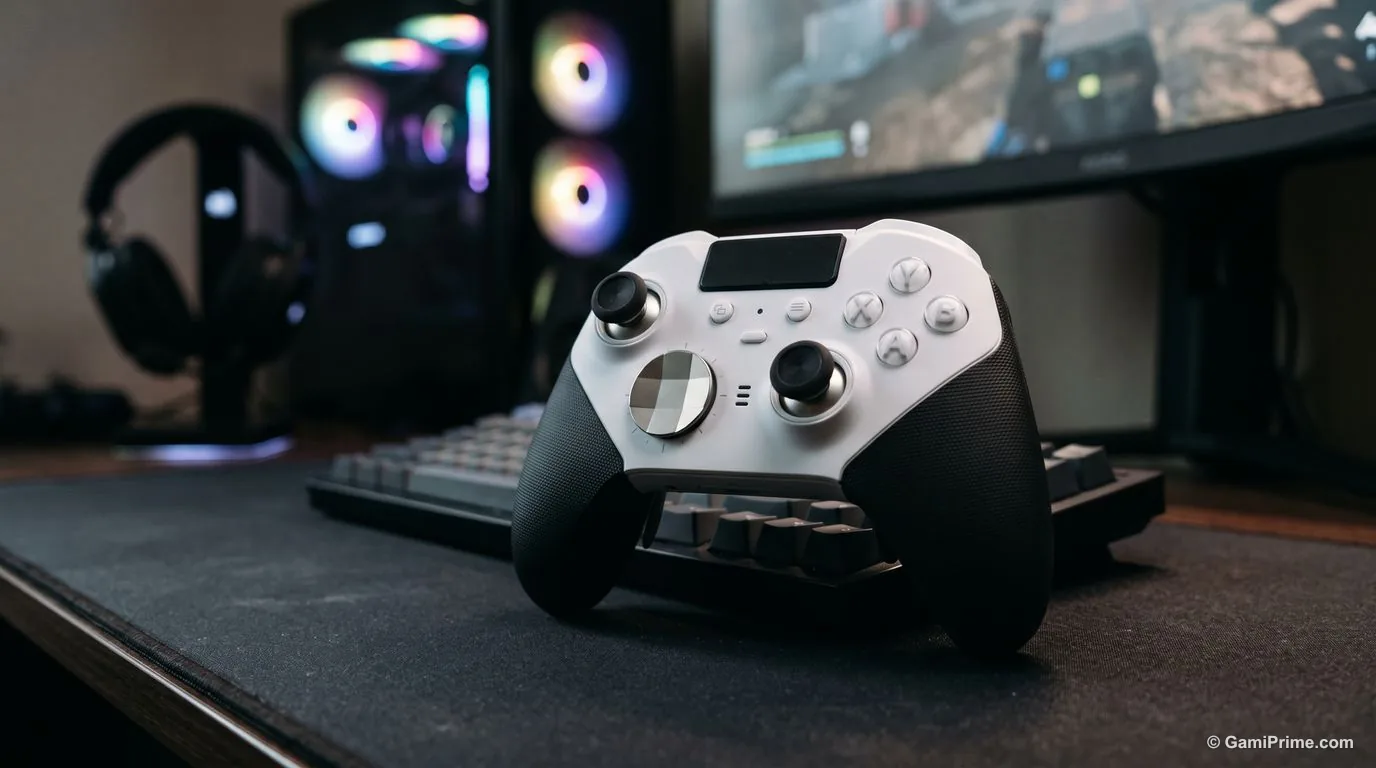
| Xbox Elite Series 2 Core | Best premium Xbox-style pad | Bluetooth, USB-C, Xbox Wireless adapter | Adjustable tension | Internal, up to 40 hours |
| Razer Wolverine V3 Pro | Best for competitive shooters | 2.4G dongle, USB-C | Hall effect | Not listed |
| Sony DualSense | Best for PlayStation fans | Bluetooth, USB-C | Standard | Not listed on the PC page |
| Sony DualSense Edge | Best premium PlayStation-style pad | Bluetooth, USB cable | Swappable caps | Not listed |
| Logitech G F310 | Cheapest wired option | Wired USB, 6 ft cable | Standard | No battery (wired) |
1. Xbox Wireless Controller: best default for Windows
Microsoft's own pad for its own operating system. Microsoft lists Windows 10 and 11 as supported platforms and offers button mapping for it in the Xbox Accessories app on Windows.
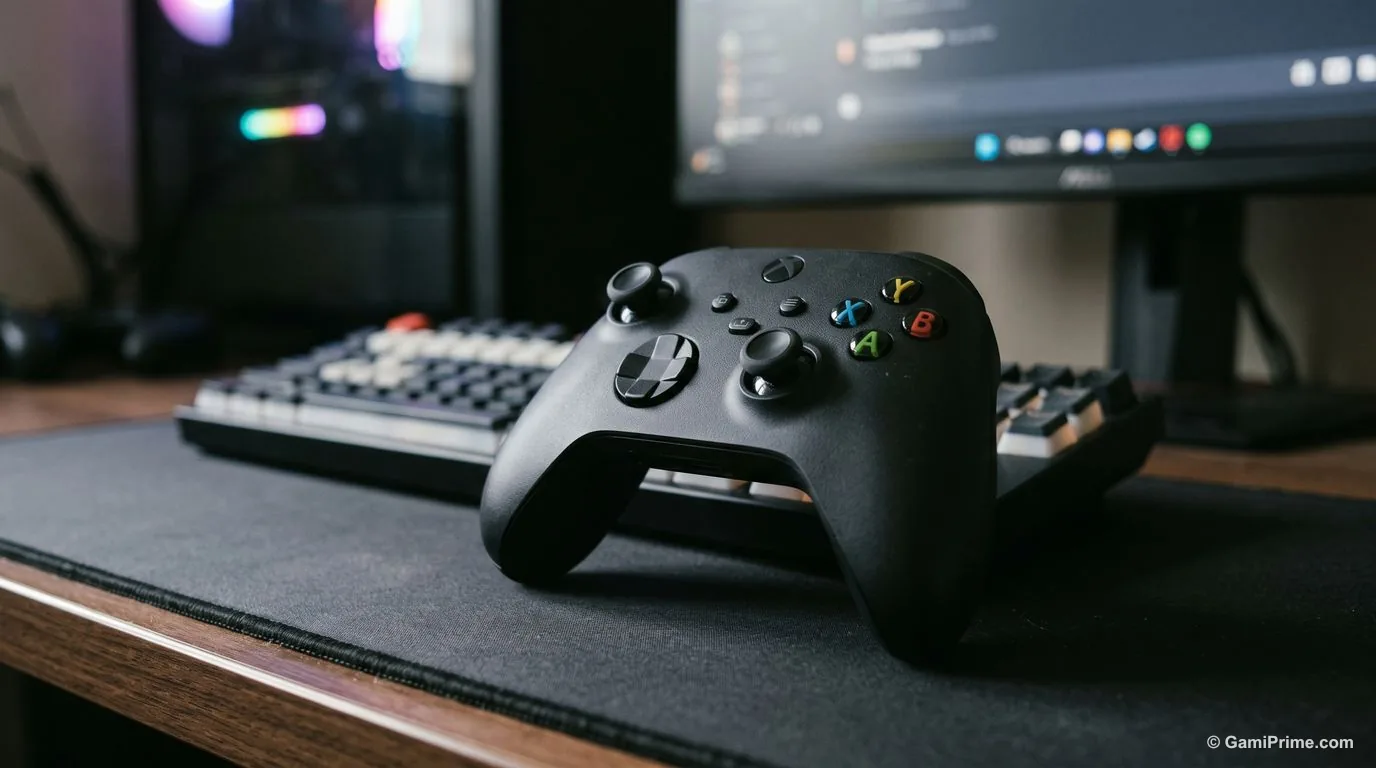
| Spec | Per Microsoft |
|---|---|
| PC connection | Bluetooth; a USB-C cable for wired play and for the button-mapping app |
| Compatible with | Xbox Series X/S, Xbox One, Windows 10/11, Android, iOS |
| Battery | AA batteries, up to 40 hours (varies with use and accessories) |
| Extras | Share button, 3.5mm headset jack, textured grips, hybrid D-pad |
| Button mapping | Xbox Accessories app on Windows 10/11 |
| Price | Not shown on Microsoft's page for the standard model |
Who it suits: anyone who wants a controller that works in the widest range of PC games with the least setup. Watch out: it runs on AA batteries rather than an internal battery, and Microsoft notes that the Windows mapping app needs a USB-C cable that is sold separately.
2. 8BitDo Ultimate 2C: best budget PC controller
The cheapest pick here that lists drift-resistant sensor sticks. 8BitDo describes Hall effect joysticks and triggers, which use magnets instead of physical contact to read movement.
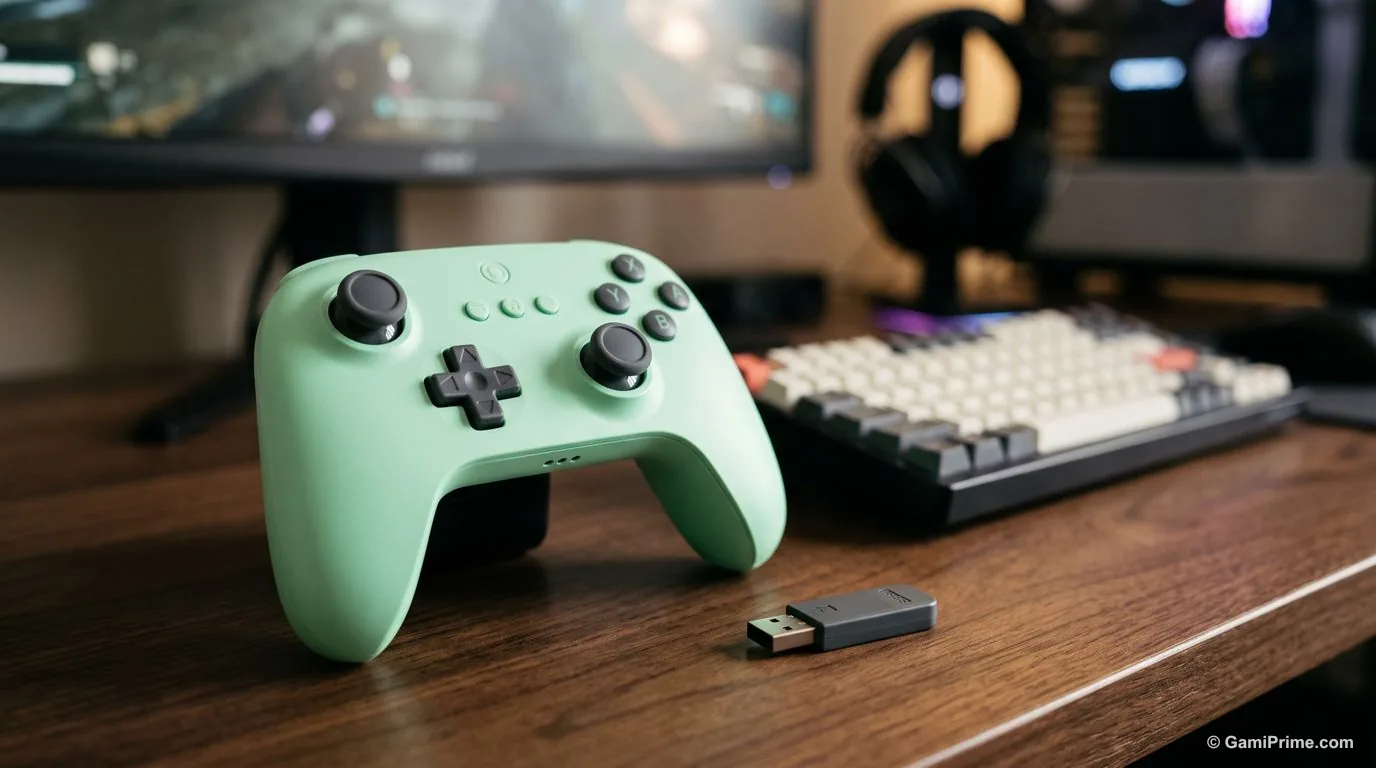
| Spec | Per 8BitDo |
|---|---|
| PC connection | 2.4G wireless (adapter included) or wired; Bluetooth is for Android |
| Compatible with | Windows 10 and later, Android 9.0 and later |
| Sticks and triggers | Hall effect joysticks, linear Hall effect triggers |
| Polling rate | 1000Hz on 2.4G and wired (8BitDo's lab figure) |
| Battery | 480mAh, 19 hours on 2.4G, 32 hours on Bluetooth, 2-hour charge |
| Weight | 217.5 g |
| Extras | Remappable R4/L4 bumpers, turbo, rumble, remapping without software |
| Price | Not shown on 8BitDo's page |
Who it suits: players who want an Xbox-style layout and anti-drift sticks without paying premium prices. Watch out: no rear paddles, and 8BitDo lists Windows and Android only, so check before using it on other systems.
3. 8BitDo Ultimate 2: best value with back paddles
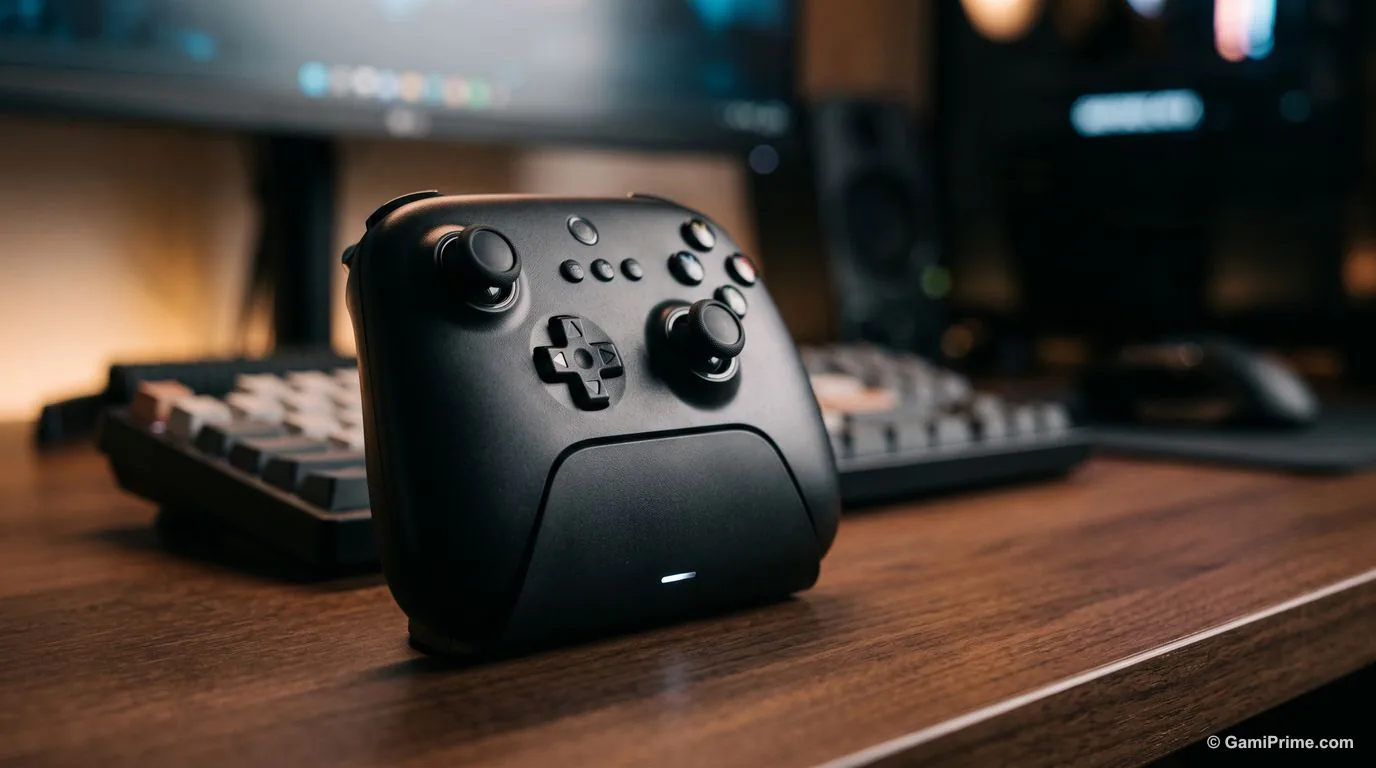
A step up from the 2C, with TMR sticks, two rear paddles and gyro. 8BitDo calls these its first controller with TMR joysticks, a magnetic sensor type it says is more precise and uses less power.
| Spec | Per 8BitDo |
|---|---|
| PC connection | 2.4G wireless or wired on Windows; Bluetooth for Android and Apple devices |
| Compatible with | Windows 10 (1903) or later, SteamOS 3.7.13 or later, Android 13+, Apple OS 26+ |
| Sticks and triggers | TMR joysticks; Hall effect triggers that switch to tactile mode |
| Polling rate | 1000Hz on 2.4G and wired |
| Extras | 2 back paddles, R4/L4 bumpers, 6-axis gyro (2.4G mode), RGB ring, charging dock |
| Software | Ultimate Software V2: mapping, stick and trigger tuning, 3 profiles |
| Weight | 246 g |
| Battery | Not listed |
| Price | Not shown on 8BitDo's page |
Who it suits: players who want paddles and gyro aiming without moving up to a premium-priced pad. Watch out: 8BitDo's page gives no battery capacity or play time.
4. GameSir G7 Pro: best mid-range pick for Xbox and PC
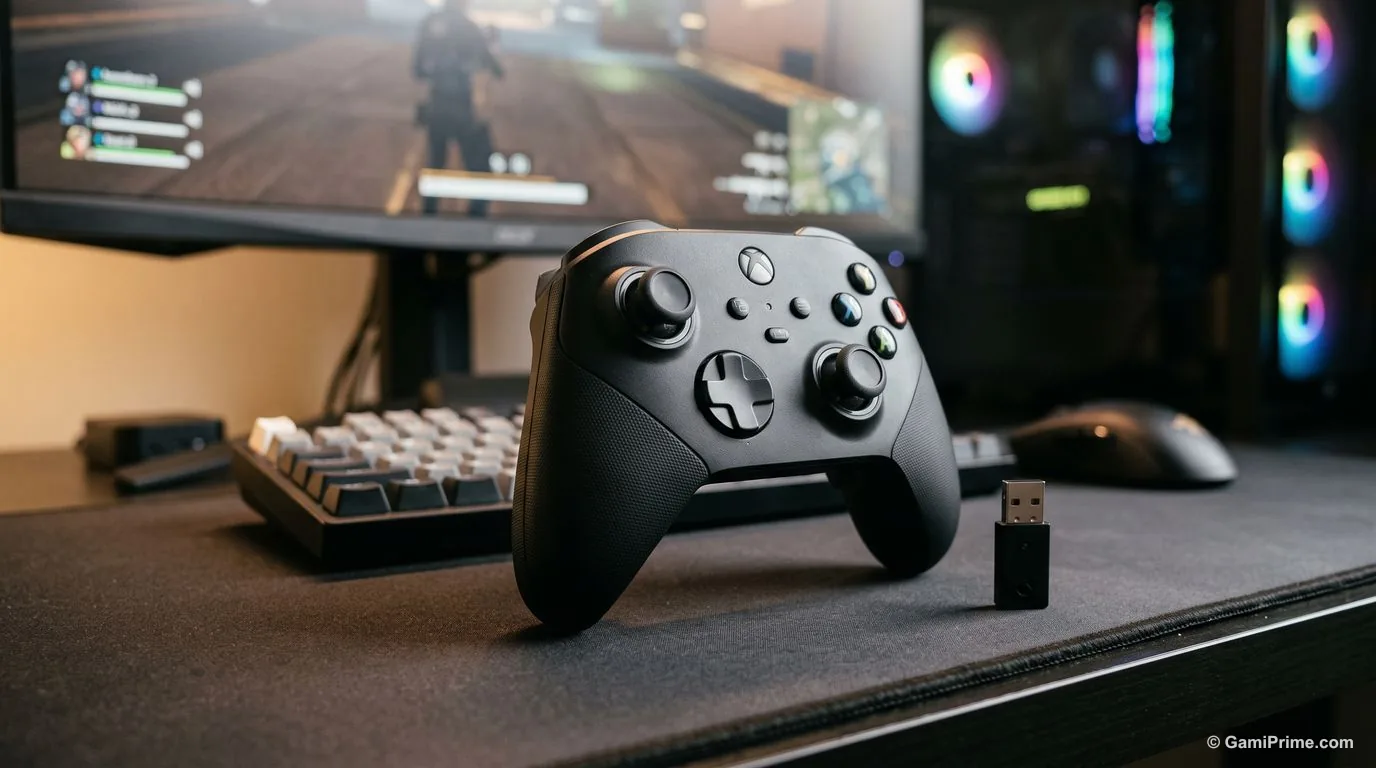
A $79.99 pad that pairs TMR sticks with Hall effect triggers and a charging dock. GameSir lists its "Mag-Res TMR" sticks, Hall effect analog triggers with micro-switch trigger stops, and a 1000Hz polling rate.
| Spec | Per GameSir |
|---|---|
| Connection | Wired for Xbox; 2.4G wireless receiver or wired for PC; Bluetooth for Android |
| Compatible with | Xbox Series X/S, Xbox One, PC, Android, Steam |
| Sticks and triggers | Mag-Res TMR sticks; Hall effect analog triggers with micro-switch trigger stops |
| Polling rate | 1000Hz |
| Battery | 1200mAh (GameSir gives no play time) |
| Weight | 272 g |
| Extras | 2 back buttons, gyroscope (PC only), charging dock, 2 D-pads, wireless receiver |
| Price | $79.99 on GameSir's page, read October 19, 2026 |
Who it suits: players who use the same controller on an Xbox and a PC and want magnetic sticks without premium pricing. Watch out: on Xbox it works wired only, the gyro works on PC only, and GameSir does not state a battery life in hours.
5. Steam Controller (2026): best for Steam players
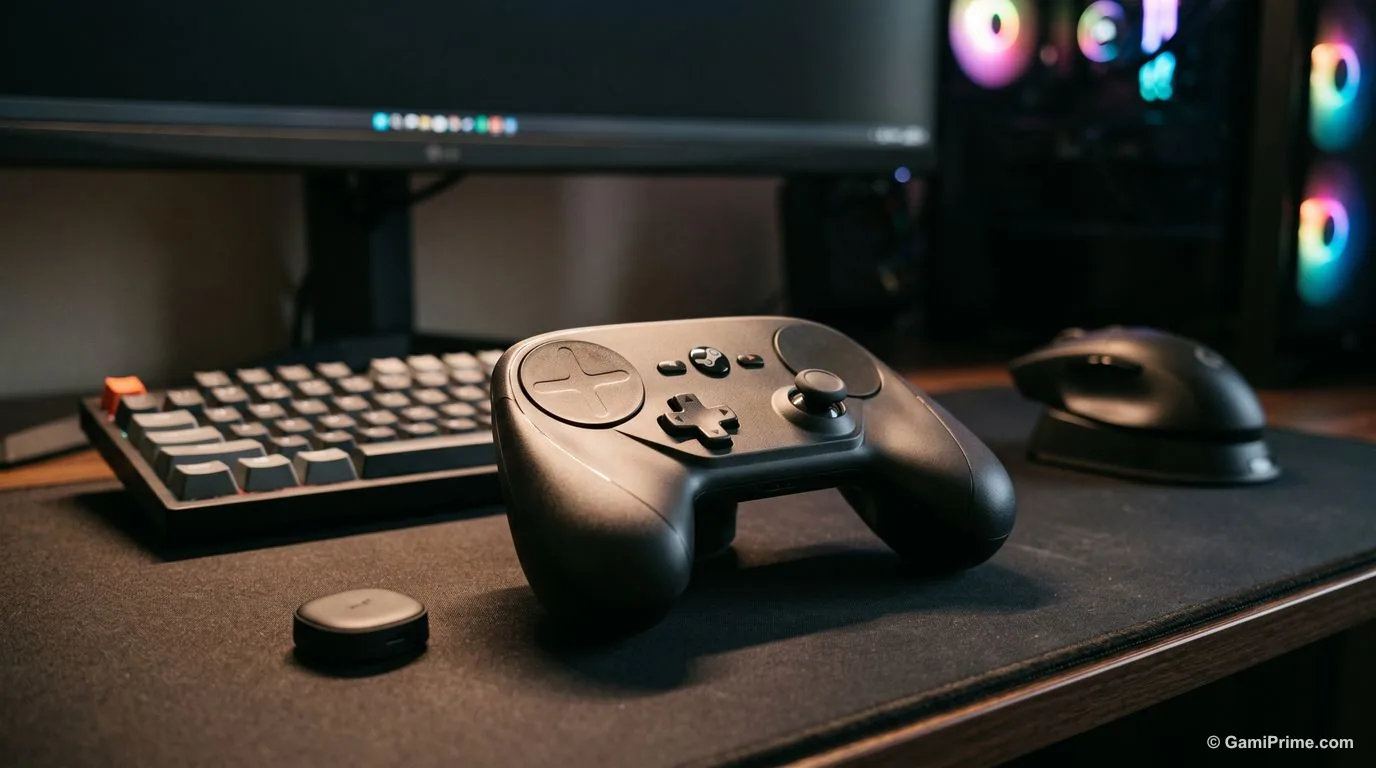
Valve built it around Steam, and it shows in the hardware: two trackpads, gyro and four rear buttons. Valve's store page lists magnetic TMR thumbsticks, an 8.39 Wh battery rated for 35+ hours, and four haptic motors.
| Spec | Per Valve |
|---|---|
| Connection | The included puck (wireless transmitter and magnetic charging station), plus Bluetooth and USB |
| Works with | Any system running Steam, including PCs and Steam Deck |
| Sticks | Magnetic TMR thumbsticks |
| Extras | 2 trackpads, gyro with "Grip Sense" (hold to enable), 4 rear grip buttons, 4 haptic motors |
| Battery | 8.39 Wh, 35+ hours of gameplay per charge |
| Price | $99 at its May 2026 launch, per Valve's announcement as reported by GamingOnLinux |
Who it suits: players whose library lives in Steam and who want trackpads or gyro for aiming. Watch out: its features rely on Steam, so games launched from another store may not get the same support. Valve sells it directly through Steam.
6. Xbox Elite Series 2 Core: best premium Xbox-style pad
The same Elite Series 2 controller, sold without the accessory kit. Microsoft's support page says the Core is the Elite Series 2 without its accessories, which come in the separate Complete Component Pack.
| Spec | Per Microsoft |
|---|---|
| PC connection | Bluetooth, the included 9 ft USB-C cable, or the Xbox Wireless adapter (sold separately) |
| Battery | Internal rechargeable, up to 40 hours per charge |
| In the box | Controller, D-pad, 2 thumbsticks, USB-C cable, thumbstick adjustment tool |
| Paddles | 4 paddles, sold in the Complete Component Pack ($59.99 MSRP, per Xbox Wire) |
| Weight | 345 g (±15 g) with 4 paddles, faceted D-pad and standard sticks |
| Price | $129.99 MSRP at the white Core's 2022 launch, per Xbox Wire |
Who it suits: players who want adjustable-tension sticks and a premium build on the standard Xbox layout. Watch out: the paddles that make an Elite worth it are not in the Core box, so budget for the Component Pack.
7. Razer Wolverine V3 Pro: best for competitive shooters
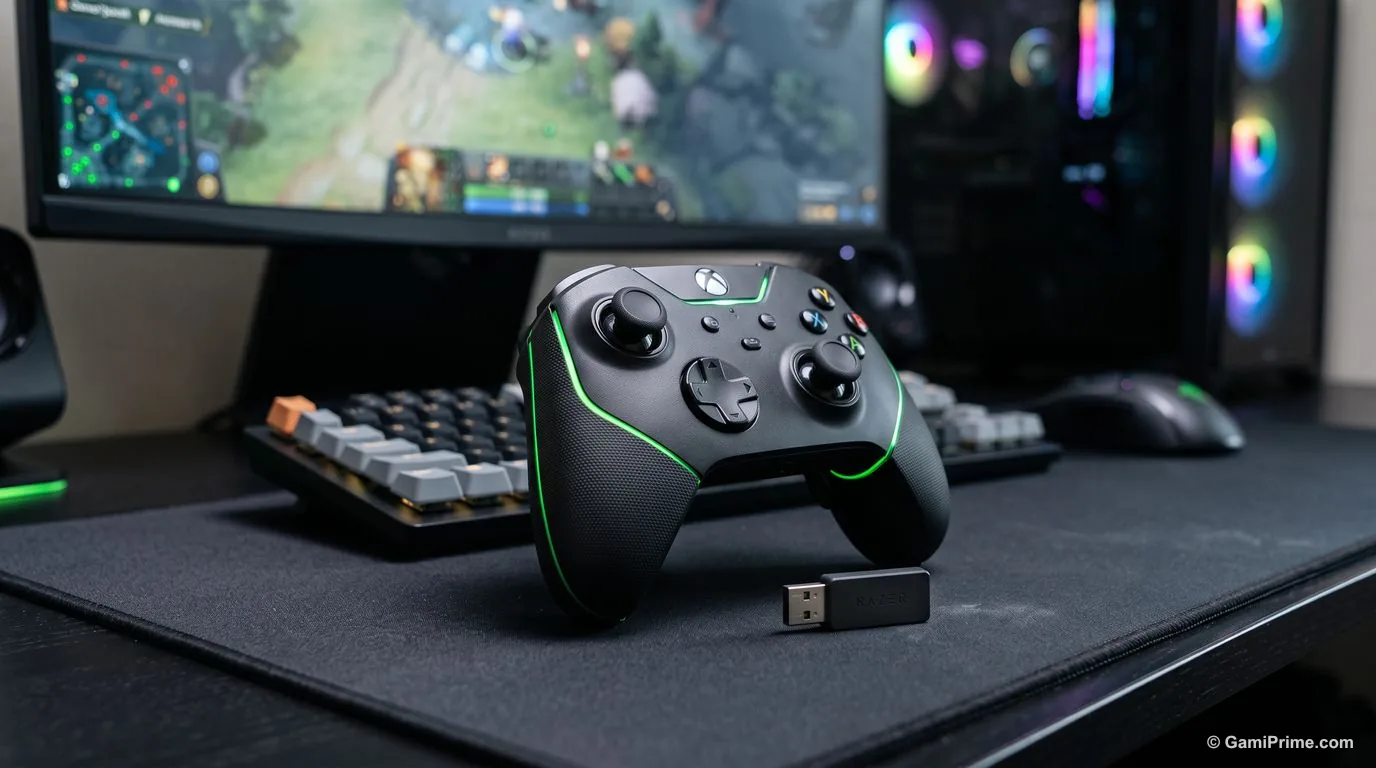
Built for fast inputs: Hall effect sticks, switchable triggers and six remappable buttons. Razer's "Pro Hypertriggers" switch between instant actuation and full analog travel with slide locks.
| Spec | Per Razer |
|---|---|
| PC connection | Razer HyperSpeed 2.4 GHz wireless (USB-A dongle) or USB-C wired |
| Compatible with | Xbox Series X/S and PC |
| Sticks and triggers | Hall effect thumbsticks; Hypertriggers with instant or analog mode |
| Polling rate | 250Hz wireless; 1000Hz wired on PC in Tournament Mode |
| Extras | 6 remappable buttons (4 back buttons, 2 claw-grip bumpers), carrying case, 10 ft cable |
| Battery | Not listed on the page we read |
| Price | From US$199.99 |
Who it suits: competitive shooter players who want trigger stops and buttons they can reach without leaving the sticks. Watch out: the 1000Hz polling rate needs a wired connection on PC, and the page we read mentions no Bluetooth.
8. Sony DualSense: best for PlayStation fans
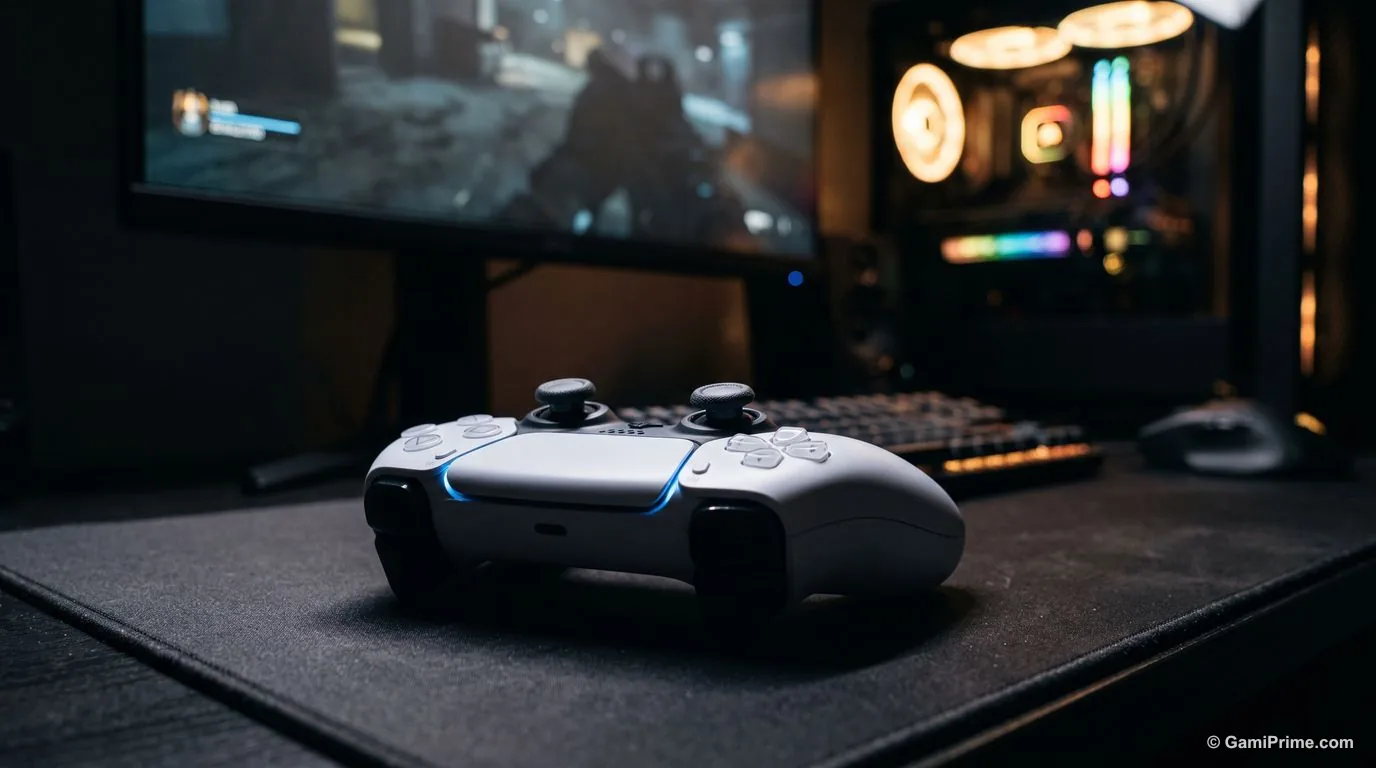
The choice if you prefer PlayStation's layout, with haptics and adaptive triggers in games that support them. Sony says the DualSense connects to Windows PCs over a USB-C cable or Bluetooth.
| Spec | Per Sony |
|---|---|
| PC connection | USB-C cable or Bluetooth |
| Haptics on PC | Haptic feedback and adaptive triggers "may require USB connection" and work only when the game supports them |
| Firmware | Updated on Windows with the PlayStation Accessories app |
| In the box | Cable not included with the standalone controller |
| Battery and price | Not listed on Sony's page |
Who it suits: players who already know the PlayStation layout or want haptic feedback in the PC games that support it. Watch out: on Steam, PlayStation pads go through Steam Input (see below), and outside Steam support depends on each game.
9. Sony DualSense Edge: best premium PlayStation-style pad
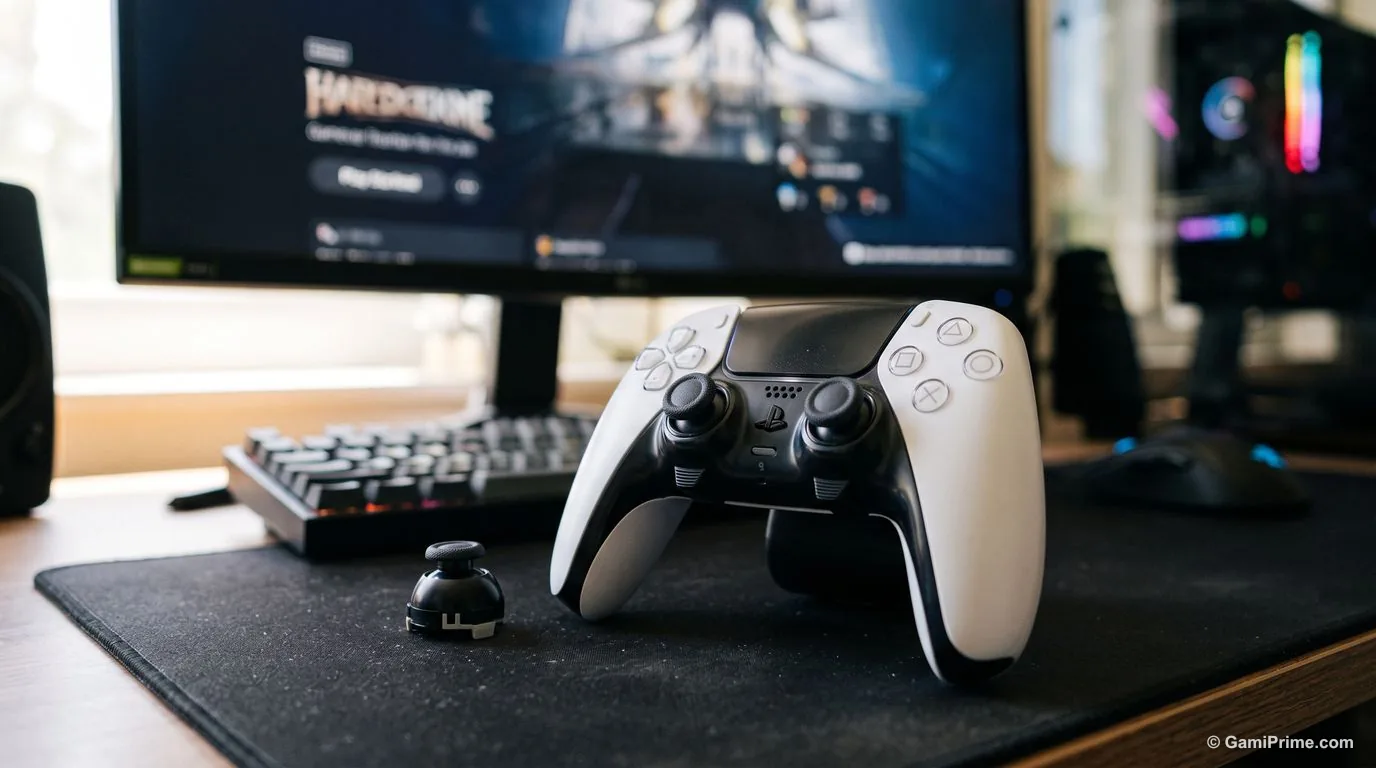
Sony's pro controller, with back buttons and profiles you can swap on PC. Sony says its function buttons swap stored profiles on PC, and the PlayStation Accessories app edits those profiles.
| Spec | Per Sony |
|---|---|
| PC connection | Included USB cable or Bluetooth |
| Customization | Remapping, stick and trigger dead zones, vibration intensity, swappable profiles |
| In the box | Braided USB cable, 6 stick caps, 2 half-dome and 2 lever back buttons, connector housing, carrying case |
| Haptics on PC | May require USB, and only in games that support them |
| Battery and price | Not listed on Sony's page |
Who it suits: PlayStation-layout players who want back buttons and profiles. Watch out: Sony's page lists no battery figure.
10. Logitech G F310: cheapest wired option
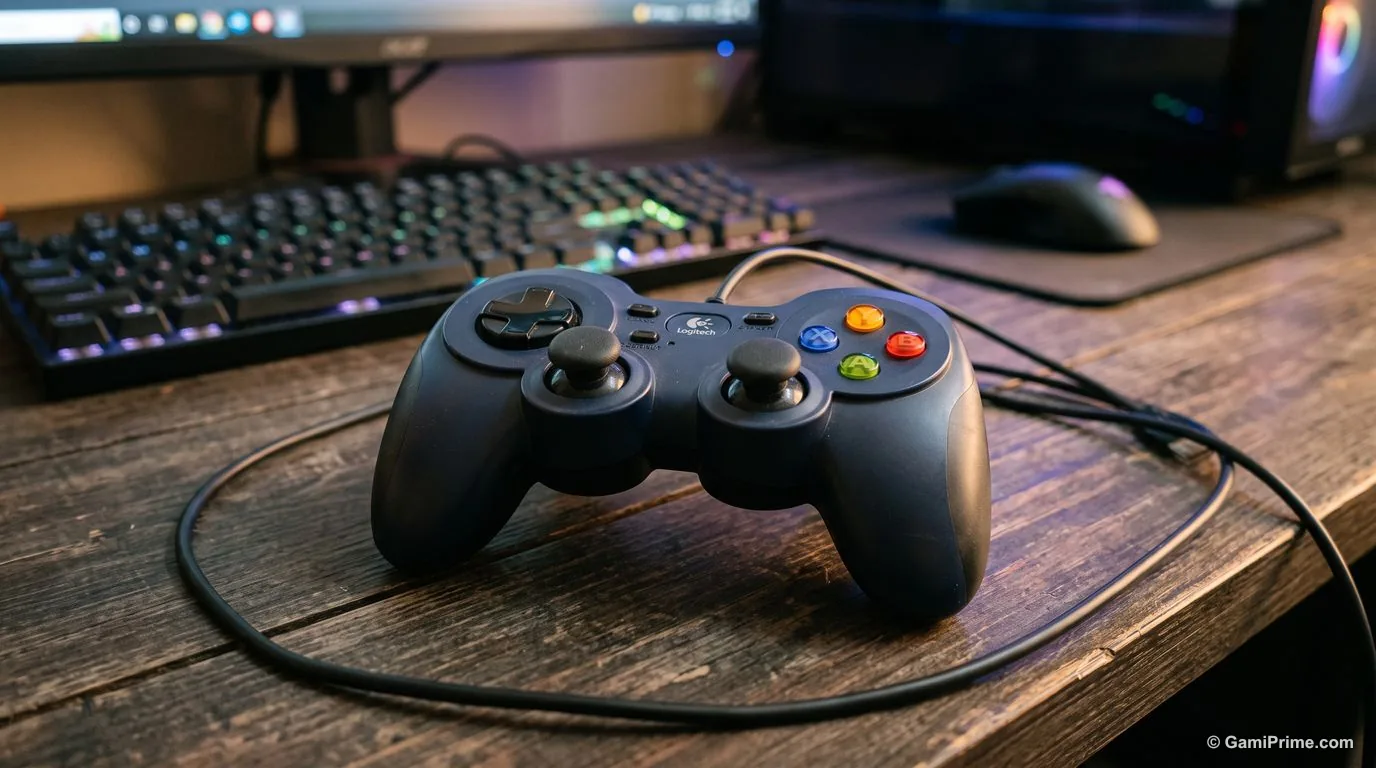
A wired, plug-and-play pad for players who never want to charge anything. Logitech lists XInput and DirectInput modes and Steam Big Picture compatibility.
| Spec | Per Logitech |
|---|---|
| Connection | Wired USB, 6 ft cable |
| Input modes | XInput and DirectInput (DirectInput needs software) |
| Compatible with | PC, Steam Big Picture, Android TV |
| Price | $19.99 on Logitech's page, read October 19, 2026 |
Who it suits: budget players, couch co-op guests, or anyone who wants a spare pad. Watch out: no wireless option, no rumble listed, and the cable ties you to the PC.
Which controller for which free-to-play game
A controller only helps if the game supports one. Steam marks each store page with Full or Partial controller support, or with no flag. Here is what GamiPrime has read for the 21 free-to-play games it tracks.
| Steam flag | Games (as read by GamiPrime, October 2026) | What it means for your pad |
|---|---|---|
| Full | Where Winds Meet, Marvel Rivals, War Thunder, Delta Force, Throne and Liberty, SMITE 2 | Playable start to finish on a controller, menus included, per Steam's definition |
| Partial | NTE, Wuthering Waves, Zenless Zone Zero, Albion Online, PUBG: BATTLEGROUNDS, NARAKA: BLADEPOINT | The game itself works on a pad, but keep a mouse and keyboard nearby for menus or setup |
| Not listed | Arena Breakout: Infinite, STALZONE, Infinity Kingdom, Project Entropy, RAID: Shadow Legends, MU: Dark Epoch, Enlisted, Warframe, Once Human | Unconfirmed: Steam shows no flag either way, so check the live store page first |
Steam's own store-page wording, as reposted in a Steam Community thread (GamiPrime has not opened the original Valve page), is that Full titles can be played from start to finish with only a controller, while Partial titles may need a mouse and keyboard "from time to time." Flags change when games update, so check the live Steam page before you buy a pad for one game.
Xbox, PlayStation or Steam: how PC games see your controller
XInput is the Microsoft API that lets Windows applications read compatible gamepads: two analog sticks, two analog triggers, a D-pad and eight buttons, per Microsoft's documentation. Among the picks here, Logitech lists an XInput mode for the F310, and the 8BitDo pads use an Xbox-style layout in their Windows modes.
On Steam, Steam Input bridges the gap for other pads. Valve's developer documentation lists the PlayStation, Xbox, Nintendo Switch Pro and Steam controllers, plus generic DirectInput gamepads, as Steam Input devices. In practice, Steam translates those pads for games launched through Steam. Outside Steam, a PlayStation pad depends on the game's own support.
How to choose a PC controller
- Connection: a 2.4G dongle or a cable gives the makers' highest listed polling rates; Bluetooth is easier but slower on several pads here (the Razer lists 250Hz wireless against 1000Hz wired).
- Sticks: Hall effect and TMR sticks use magnetic sensors. Makers sell them as resistant to stick drift, a common failure in standard sticks. That is the makers' claim, not a GamiPrime test.
- Battery: check whether the pad uses AA batteries (Xbox Wireless Controller) or an internal battery, and how many hours the maker lists.
- Extra buttons: back paddles help in shooters and MMOs; the Ultimate 2, GameSir G7 Pro, Steam Controller, Elite Series 2, Wolverine V3 Pro and DualSense Edge all list them.
- Layout: pick Xbox-style for Microsoft's own Windows standard, PlayStation-style if that is what your hands know.
For the PC side of the decision, see GamiPrime's free PC games system requirements comparison, and for the games themselves, the best free-to-play PC games roundup.
Frequently asked questions
What is the best controller for PC in 2026?
On spec sheets alone, the Xbox Wireless Controller is the safest default: it is Microsoft's own pad, with Windows 10 and 11 listed as supported. The 8BitDo Ultimate 2C is the budget pick with Hall effect sticks, the GameSir G7 Pro the mid-range pick, and the Steam Controller the most Steam-focused option. GamiPrime has not tested any of them hands-on.
Can a PS5 controller work on PC?
Yes. Sony says the DualSense connects to Windows PCs by USB-C cable or Bluetooth. Haptic feedback and adaptive triggers may require USB and only work in games that support them.
How do I connect an Xbox controller to PC?
Microsoft lists Bluetooth or a USB-C cable for Windows 10/11. The Elite Series 2 can also use the Xbox Wireless adapter, sold separately.
Do free-to-play PC games support controllers?
Some do. Of the 21 free-to-play games GamiPrime tracks, Steam lists Full support for 6, Partial for 6, and no flag for 9.
What is the difference between Hall effect and TMR sticks?
Both use magnetic sensors instead of the physical contact found in standard sticks. 8BitDo says its TMR sticks are more precise and use less power than Hall effect. Neither claim was tested by GamiPrime.
Sources
- Microsoft, Xbox Wireless Controller product page, read October 19, 2026
- Microsoft, Xbox Elite Wireless Controller Series 2 Core product and support pages, and Xbox Wire (2022, 2023), read October 19, 2026
- 8BitDo, Ultimate 2C Wireless Controller product page, read October 19, 2026
- 8BitDo, Ultimate 2 Wireless Controller product page, read October 19, 2026
- Valve, Steam Controller store page (Steam), read October 19, 2026; launch price per GamingOnLinux, April 2026
- Razer, Wolverine V3 Pro product page, read October 19, 2026
- Sony, DualSense and DualSense Edge product pages, read October 19, 2026
- GameSir, G7 Pro product page, read October 19, 2026
- Logitech G, F310 Gamepad product page, read October 19, 2026
- Valve, Steamworks documentation, Steam Input devices
- Microsoft Learn, "Getting Started With XInput in Windows applications", read October 19, 2026
- Steam Community thread reposting Steam's store-page definitions of Full and Partial controller support
- Steam controller-support flags for 21 free-to-play games, as read by GamiPrime in October 2026
Last verified: October 19, 2026.